

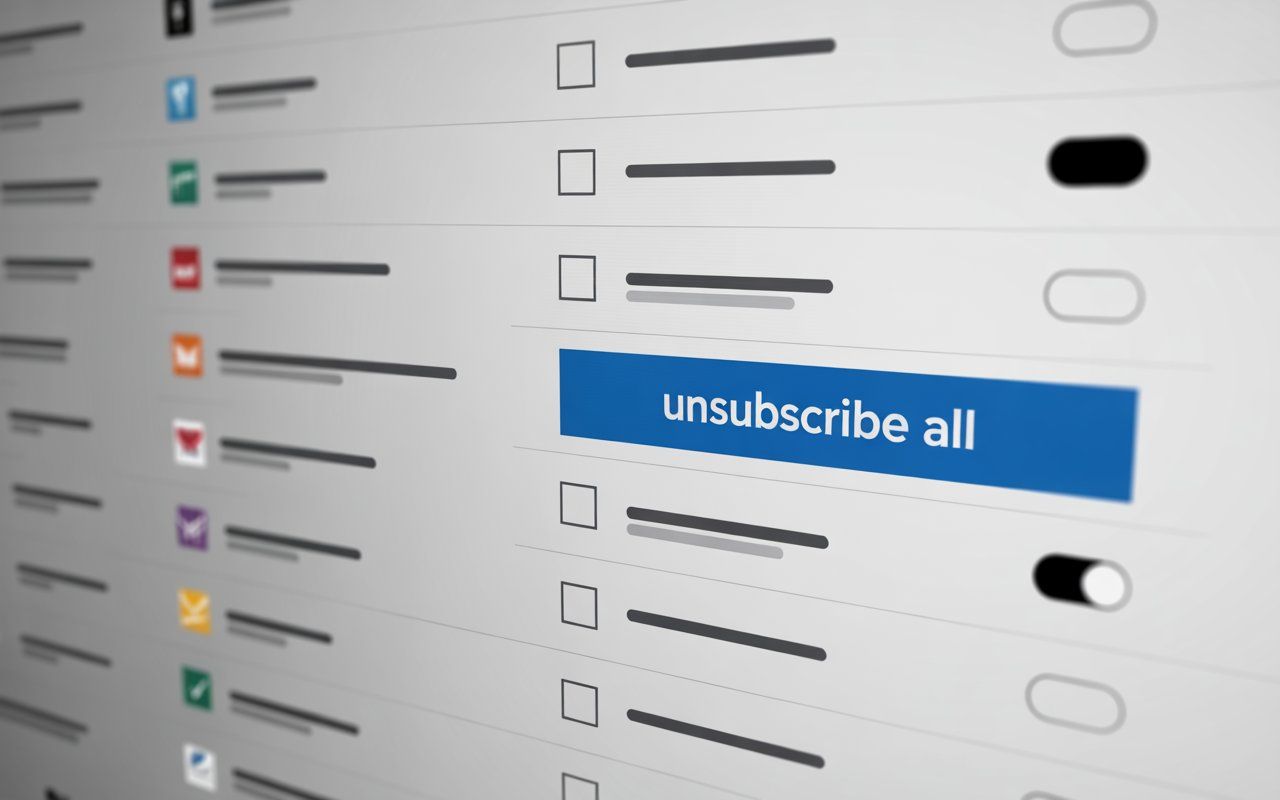
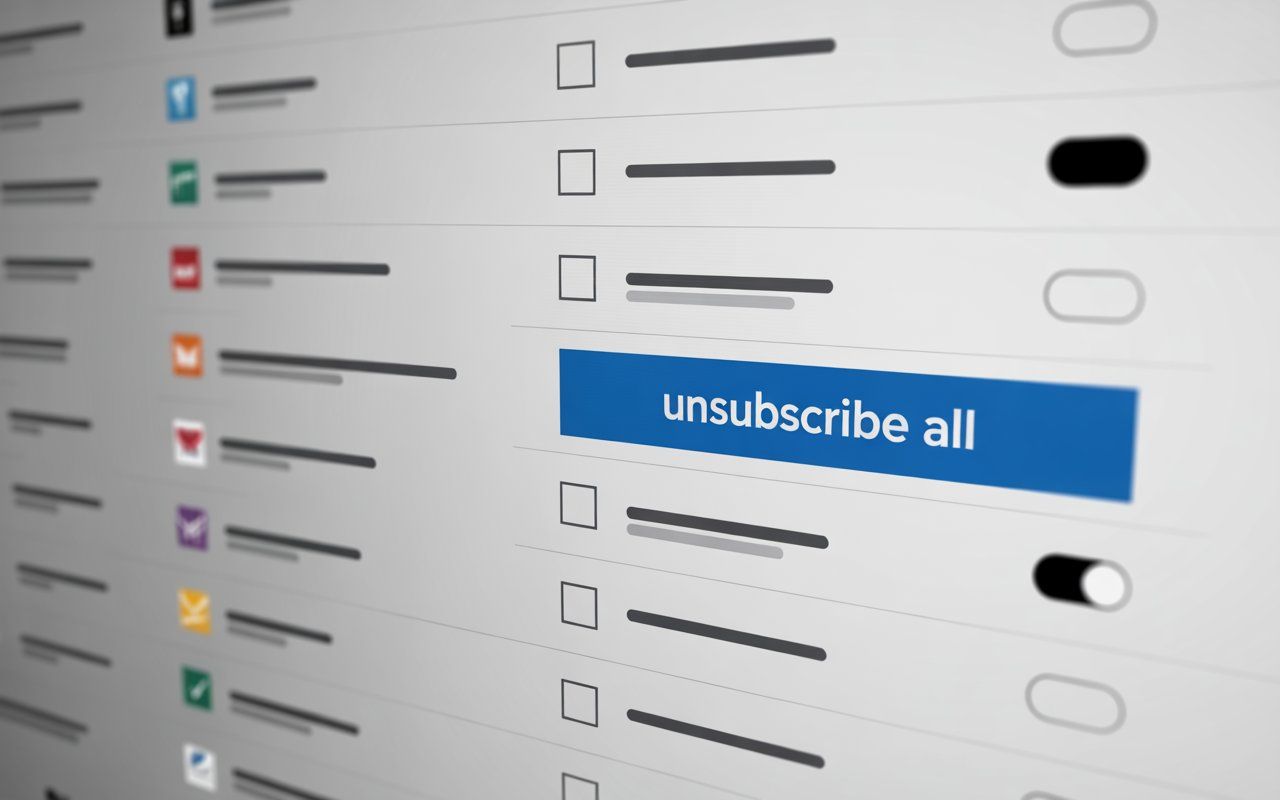
When users search for unsubscribe from all emails, it’s often because they’re feeling overwhelmed by the constant stream of unwanted messages filling their inboxes, promotions, newsletters, and spam that seem never-ending. Every day, important emails get buried beneath piles of distractions, leaving people frustrated and exhausted. The search for a solution, a way to stop the flood of junk and regain control, becomes almost automatic.
But what are users really expecting when they type "unsubscribe all" into their search bar?
Is it just about clearing out the clutter, or are they seeking something more profound, a way to simplify their digital life and eliminate the chaos? Understanding these expectations can help us better navigate the process of unsubscribing and make email management more effective.
What Does ‘Unsubscribe All’ Really Mean?
When users search for unsubscribe all, they're hoping for a simple way to stop the flood of unwanted emails that seem to take over their inbox. It's not just about clearing space; it’s about regaining control over their digital life. The idea behind unsubscribe all suggests a quick fix, a solution that effortlessly stops the constant barrage of promotions, newsletters, and spam.
However, the reality is often more complex than a one-click solution. While it’s tempting to think of unsubscribe all as a shortcut to clear everything at once, the process can vary based on email providers, types of subscriptions, and the tools available, especially when inboxes are filled by high-volume campaigns designed primarily for lead generation. Users may find that managing their inbox requires a more thoughtful approach than they originally anticipated.
Common Issues with Unsubscribing from Emails
Managing your email subscriptions is no easy feat, and many users face common struggles:
- Overwhelming inboxes: A constant flood of emails, often irrelevant or unwanted, can make it difficult to focus on important messages.
- Time-consuming manual unsubscribing: Searching for the unsubscribe link in each email can take forever.
- Difficulty identifying spam: Not all unwanted emails are clearly marked as spam, and some newsletters may sneak by without a visible unsubscribe link.
- Accidental unsubscribing: Inadvertently unsubscribing from services you actually want to keep can be another frustrating issue.
These issues are common frustrations for anyone trying to clean up their inbox.
How to Unsubscribe from All Emails in Gmail at Once
Gmail is one of the most popular email services worldwide, and fortunately, it offers several features to help users unsubscribe from emails. Here’s how you can unsubscribe from multiple emails at once:
Use Gmail’s Unsubscribe Feature
Gmail has a built-in feature that will allow you to unsubscribe from promotional emails directly from the inbox. When you open an email, look for the Unsubscribe link next to the sender's email address. This is an easy way to stop receiving unwanted newsletters and promotional emails.
Bulk Unsubscribe via Filters
You can set up filters in Gmail to automatically organize your inbox and unsubscribe from unwanted senders. Filters can be set to send certain types of emails (e.g., newsletters) directly to the trash or archive them. This way, your inbox stays clean without you having to manually unsubscribe.
Use Third-Party Tools for Mass Unsubscribing
If you want a more comprehensive approach, consider third-party services like LeaveMeAlone and Mailstrom. These services scan your inbox and provide you with a list of subscriptions you can unsubscribe from with just one click.
How to Block All Spam Emails
Spam emails are another major headache for users, often slipping through despite filtering attempts. Here’s how you can block them effectively:
Mark Emails as Spam
Every time a spam email appears in your inbox, mark it as spam in Gmail or your email provider. This helps train the system to filter similar messages in the future. Gmail, for example, will automatically move these emails to the Spam folder in the future.
Create Custom Spam Filters
Gmail and other services let you create customized filters to block unwanted emails. You can filter emails by subject line, sender, or specific keywords, ensuring that only the messages you want to receive make it to your inbox.
Consider Email Alias Services
Services like ProtonMail offer aliases that help keep your inbox protected from spam. These email services mask your real email address and can be deleted once they start receiving too much spam.
Exploring One-Click Unsubscribe Services
If you’re tired of unsubscribing from emails manually, one-click unsubscribe services are your best friend. These tools allow you to unsubscribe from multiple mailing lists with a single click. Here are some of the top options:
- LeaveMeAlone This service helps you clean your inbox by allowing you to unsubscribe from multiple emails in a single action. It’s ideal for people who want to quickly clear out unwanted subscriptions.
- Unroll Me Another great service that consolidates your subscriptions and gives you the option to unsubscribe from them all at once.
- Cleanfox An eco-friendly tool that helps you unsubscribe from newsletters and promotional emails and also provides insights on how much CO2 you’re saving by reducing unnecessary emails.
These services are fast, efficient, and free to use, making them an excellent choice for anyone looking to clear out their inbox quickly.
How to Unsubscribe from Multiple Emails Without Losing Important Ones
One common concern when unsubscribing from all emails is accidentally losing important messages. To prevent this:
Use Email Segmentation
Organize your subscriptions into folders (e.g., personal, work, shopping) so you can unsubscribe from the ones that aren’t important without losing track of your essential emails.
Prioritize Emails from Known Senders
Keep only the important newsletters and subscriptions that you regularly engage with. Use filters to ensure that these emails don’t get lost among promotional messages.
Check Before Unsubscribing
Before hitting that unsubscribe button, double-check that the sender is not someone you want to continue receiving messages from (e.g., job alerts, banking services, etc.).
Email List Management: Best Practices for a Clutter-Free Inbox
A clean inbox requires more than just unsubscribing. Here are some tips to maintain email organization:
Use Email Filters
Set up filters for different categories of emails, such as work, promotions, and social updates.
Unsubscribe Regularly
Make it a habit to unsubscribe from unwanted emails monthly to keep your inbox in check.
Use a Secondary Email
Consider using a separate email address for online shopping, subscriptions, and other non-personal services. This keeps your main inbox free from unnecessary clutter.
Watch Out for Sneaky Sign-Ups
More often than not, both B2C and B2B email marketing tactics try to practically trick people into signing up for emails. So, make sure you don’t accidentally tick any boxes. And if you do, unsubscribe right away.
What Happens When You Ask to Unsubscribe All
With the growing use of voice assistants like Google Assistant and Siri, many users now turn to their voice-activated devices to manage their inboxes. But have you ever wondered what happens when you say, "Hey Google, unsubscribe from all junk emails"? Will the assistant know what you're asking for, and how effectively will it clear your inbox?
When searching for “unsubscribe all” through voice search, you might expect an immediate solution, but the process can vary depending on the assistant and email service. As voice search continues to evolve, email management tools will need to adapt to ensure that voice commands are seamlessly integrated into the unsubscribing process.
AI in Email Management
AI is reshaping how we handle email clutter, including unsubscribing from unwanted messages. For instance, services like LeaveMeAlone use AI to detect and automatically unsubscribe you from promotional emails. But what does this mean for you? As AI technology advances, we can expect even smarter systems that prioritize the most relevant emails for you, offering a more personalized, efficient approach to managing your inbox. AI for security also adds an extra layer of protection by detecting spam, preventing phishing attempts, and helping users avoid malicious links
FAQs
How to unsubscribe from all emails?
Use the built-in unsubscribe feature in your email service, or opt for third-party tools like LeaveMeAlone to mass unsubscribe from unwanted subscriptions.
Can I unsubscribe from all emails in Gmail?
Yes! Gmail allows you to unsubscribe from most promotional emails with a single click through the unsubscribe button next to the sender’s email address.
Is there a way to stop all junk emails?
Yes, using email filters, marking messages as spam, and blocking senders are the best ways to stop junk emails from reaching your inbox.
How to block all spam emails?
Mark suspicious emails as spam in your email client, and use spam filters to automatically block known spammers.
Are one-click unsubscribe services safe?
Most well-known services like LeaveMeAlone and Unroll Me are safe to use and provide a quick way to clean up your inbox. Just be sure to read their privacy policies.
Conclusion
Managing email subscriptions doesn't have to be an overwhelming task. By using tools like Gmail’s unsubscribe feature or third-party services, you can stay on top of unwanted emails and regain control over your inbox. The key is consistency, setting aside time to unsubscribe regularly, filter out spam, and prioritize important messages. By applying the strategies shared in this guide, you can reduce clutter and ensure that your inbox remains organized, without the constant flood of irrelevant content.
While third-party tools and features like unsubscribe links can simplify the process, it's important to carefully review the permissions and privacy policies of any service you use. Always make sure that the tools you choose align with your personal preferences and security standards.
Disclaimer: The information provided in this guide is for educational purposes only. Always ensure that you are following the terms and conditions of your email service provider when managing subscriptions. Some third-party unsubscribe services may have access to your email data, so it’s essential to read and understand their privacy policies before use. LeaveMeAlone is a reputable third-party app known for prioritizing security and privacy, but as with any service, we recommend reviewing its privacy policies to ensure it aligns with your security preferences.
