

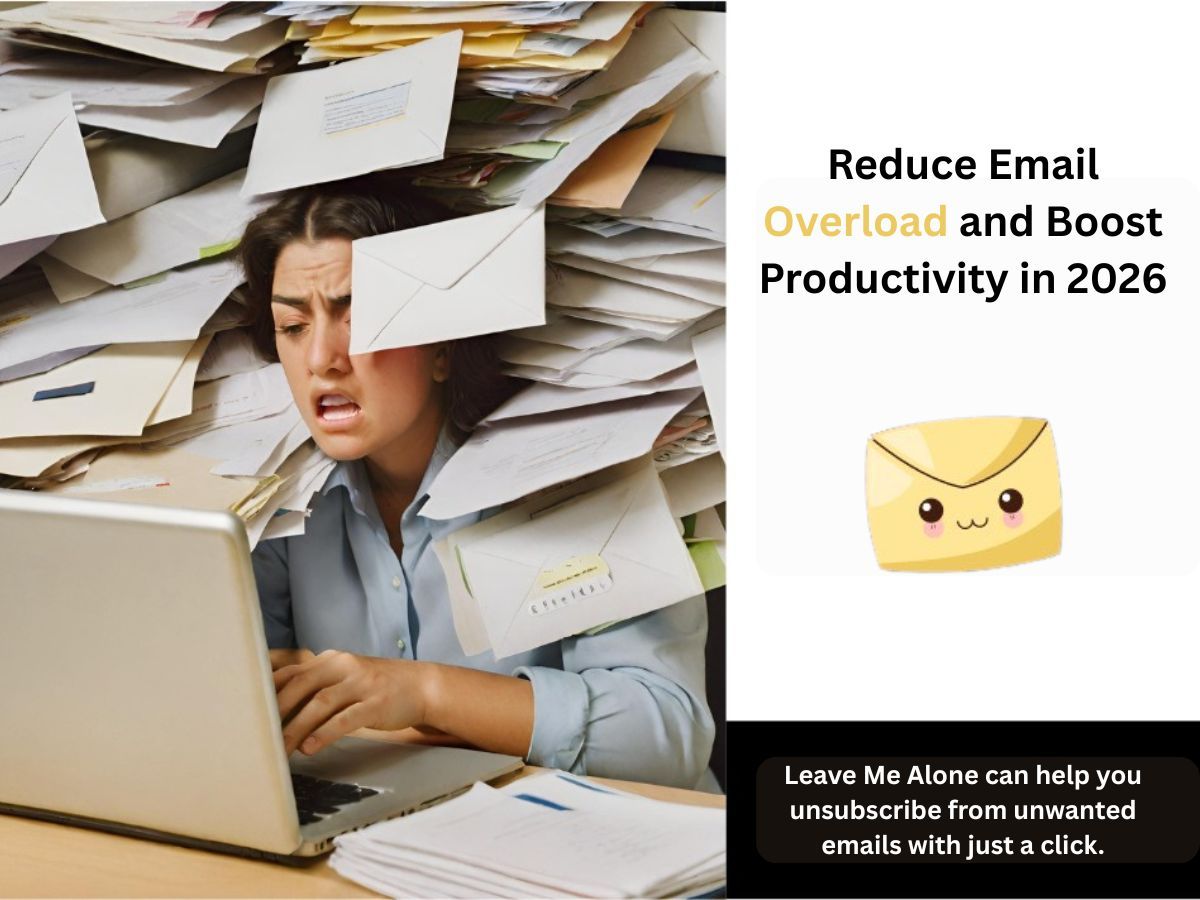
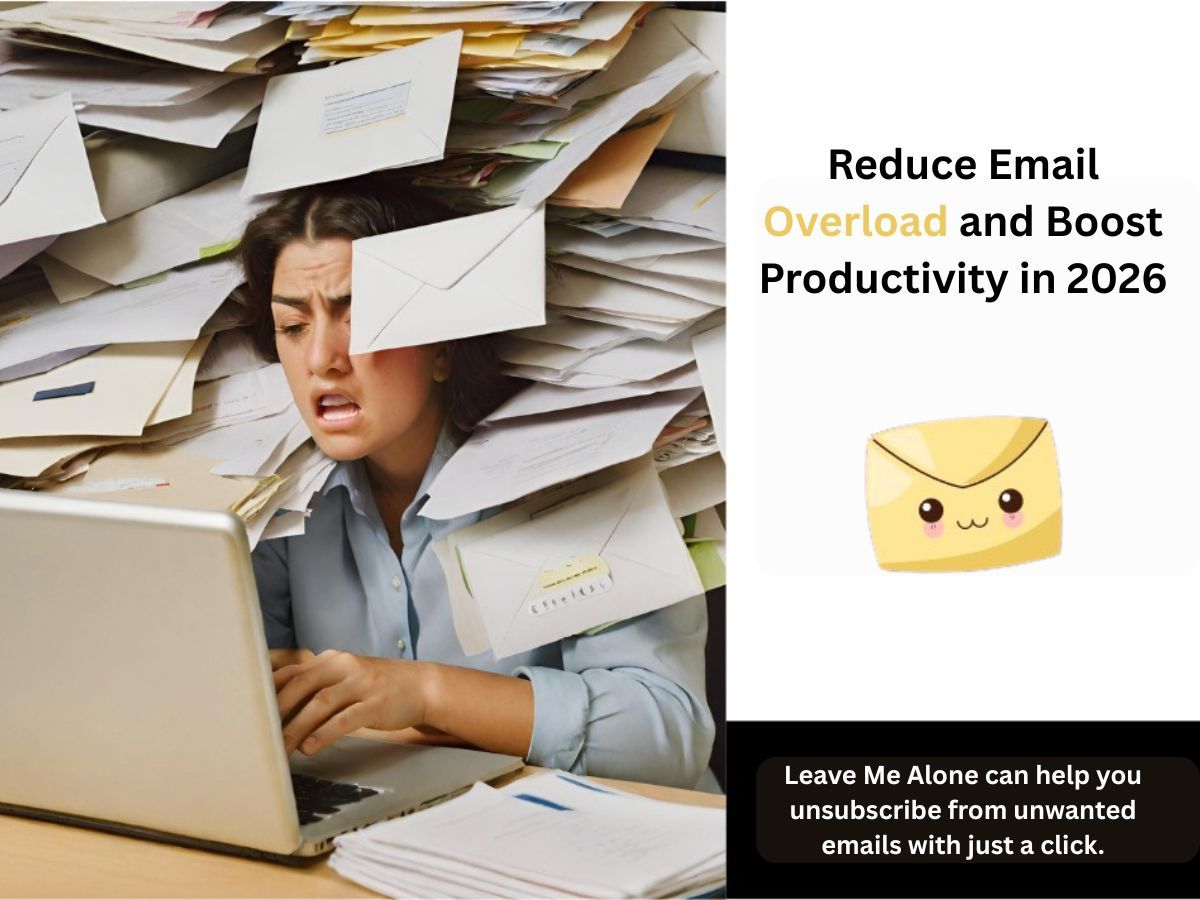
When every minute counts, productivity is everything. From meeting tight deadlines to balancing multiple projects, staying focused and efficient is the key to success. But what if the very tool you use to stay connected, email is the one thing that’s slowing you down? Every morning, as you open your inbox, you’re greeted by a flood of messages, unwanted newsletters, spam, and endless notifications, all demanding your attention. Before you even start your workday, your productivity has already taken a hit.
Email overload is a silent productivity killer. It’s not just about the number of emails you receive; it’s about how they hijack your focus, waste your time, and drain your mental energy. What could you accomplish if you spent less time sorting through your inbox and more time on the tasks that truly matter? How much more could you achieve with an inbox that works for you, not against you?
Here are practical strategies to reduce the time you spend on email, minimize distractions, and ultimately help you work smarter, not harder.
Why Email Overload is a Problem
Email overload is not just an inconvenience; it's a productivity killer. Constantly checking and responding to emails can eat up valuable time and mental energy, leading to email fatigue. In fact, according to recent email productivity news, workers spend an average of 28% of their workweek on emails. That’s a significant chunk of time that could be better utilized on tasks that truly matter.
However, this isn't just a problem for individuals, email overload in the workplace has become a major issue for businesses of all sizes. The accumulation of unread emails, subscription messages, and unnecessary replies can overwhelm employees and drain productivity. Understanding how to manage email overload is critical for both personal and organizational success.
How to Manage Email Overload: Tips and Strategies
Managing email overload doesn’t have to be a daunting task. With a few smart practices, you can start reducing unnecessary clutter and improve your email productivity.
Use Email Productivity Tools
One of the most effective ways to manage email overload is by using email productivity tools. These apps and software help streamline your inbox and automate many of the manual tasks associated with email management.
- Mailbird: One of the best email clients for productivity, Mailbird lets you easily manage multiple email accounts, set up snooze options, and integrate with apps like Slack and WhatsApp. It’s designed to increase email productivity by providing an organized, clutter-free workspace.
- Leave Me Alone: If you’re struggling with unwanted subscriptions, Leave Me Alone can help you unsubscribe from unwanted emails with just a click. This email productivity software allows you to see all your subscriptions and eliminate the ones you no longer want.
How to Reduce Email Bounce Rates
A high bounce rate can signify that your emails aren’t being delivered to recipients, which impacts your productivity. To reduce email bounce rates:
- Regularly clean up your email list to ensure that only valid, active addresses remain.
- Verify email addresses using tools like Evaboot and NeverBounce to ensure that the contacts you're emailing are still active.
- Use double opt-in to verify that the person who subscribed is genuinely interested in your content.
Create and Stick to a Routine for Checking Emails
One of the easiest ways to manage email overload is by setting specific times to check your inbox. By batching your emails, you can avoid the temptation to constantly check your inbox throughout the day, which ultimately saves time.
- Check your email only three times a day: Instead of checking emails as soon as they come in, designate specific times during your day to review and respond to emails. This reduces distractions and helps you stay focused.
- Set a time limit: To avoid over-checking your inbox, set a time limit for each email session. This will help you process your emails quickly and efficiently.
How to Reduce Spam Emails
Spam emails are one of the biggest contributors to email overload. They waste your time and create unnecessary clutter in your inbox. Here's how you can reduce spam emails:
- Use a spam filter: Most email clients, like Gmail and Outlook, offer built-in spam filters to automatically sort unwanted emails.
- Unsubscribe from irrelevant lists: Tools like Leave Me Alone, Unroll Me and Clean Email make unsubscribing easy. They let you view all your subscriptions at once and remove the ones that are irrelevant.
- Use a separate email for sign-ups: Consider creating a separate email address for newsletters and sign-up forms, so your primary inbox stays focused on important communication.
Automate Email Organization with Filters and Folders
Sorting your emails into specific folders based on categories (like Work, Newsletters, etc.) can drastically improve your email productivity. Set up filters to automatically organize incoming emails, reducing the time spent searching for specific messages.
- Priority inbox: Some email clients, such as Gmail, offer a "priority inbox" feature that automatically places important emails at the top.
- Custom folders: Create custom folders for different email types and use filters to direct emails into these folders for better organization.
Reduce Time Spent on Email
The key to reducing time spent on email is efficient email management. Here are a few tips to help you spend less time checking and responding to emails:
- Use templates: If you send similar emails frequently, create templates that you can reuse. This saves you time and ensures consistency.
- Reply quickly: Try to reply to emails as soon as they come in, rather than letting them pile up. A quick, short response is often more effective than a delayed, lengthy one.
- Use keyboard shortcuts: Most email clients offer keyboard shortcuts to help you quickly archive, delete, or respond to emails without taking your hands off the keyboard.
Boosting Email Productivity: Tools and Apps
The right email productivity apps can make a huge difference when it comes to managing email overload. Here are some of the top email productivity apps to consider:
- Boomerang: Schedule emails to send at the optimal time and set reminders to follow up on important messages.
- Leave Me Alone: Too many newsletters? Combine your favorite emails into beautiful digests with Leave Me Alone’s Rollups feature, and decide exactly when you want to receive them.
- Trello or Asana: Use these project management tools to organize your emails and tasks in one place, so you can manage everything more efficiently.
Reducing Email Stress: Mindful Email Management
Email stress is real, and it can be overwhelming if you let it. One key to reducing email stress is practicing mindful email management. This means being intentional about the emails you open, respond to, and keep in your inbox.
- Take breaks: Don’t feel compelled to respond to every email immediately. Step away from your inbox for a few hours or days if necessary.
- Set boundaries: Let people know when you’ll be available for email responses. Setting clear expectations can help reduce the pressure to respond immediately.
Email Productivity Tips for Better Time Management
- Time-block your emails: Dedicate certain blocks of time throughout your day for checking emails. This helps you stay focused and productive without constantly being interrupted by your inbox.
- Use email tracking: Tools like Yesware let you track whether or not recipients have opened your emails, which can help you prioritize follow-ups.
Closing
Managing email overload is a continuous process, but with the right tools and strategies, it’s entirely possible to regain control of your inbox. Whether you’re using email productivity apps, automating responses, or setting boundaries, the key to email productivity is consistency. Start implementing these strategies today, and enjoy a more organized and productive email experience in 2026.
Frequently Asked Questions
How can I reduce email overload in my workplace?
Start by organizing emails into folders, using productivity tools like Mailbird, and setting specific times to check your inbox. Encouraging colleagues to do the same can reduce email overload in the workplace.
How can I manage my email overload and avoid distractions?
Use tools like Leave Me Alone to unsubscribe from irrelevant lists, set email filters to organize your inbox, and establish email checking routines to limit distractions.
What are some effective email productivity tips for better time management?
Time-block your emails, use templates, automate responses, and take regular breaks to prevent burnout.
How can I reduce email stress?
Set clear boundaries for when you will check emails, unsubscribe from unnecessary lists, and use productivity apps to manage your inbox efficiently.
What tools can help reduce email bounce rates?
Use email verification tools like NeverBounce to clean your email lists and ensure that messages are being delivered to valid recipients.
Read About: Five Productivity Lessons From A Tech Entrepreneur
