

Written by email security specialists at Leave Me Alone. Updated for Gmail & Microsoft 365 in 2026.
In early 2026, Gmail’s spam filtering briefly faltered, exposing potential gaps in inbox protection. This article explains what happened, why it matters for users and bulk senders, and how Google’s AI and ML updates are shaping email security for Gmail, Outlook, and third-party inboxes in 2026.
What’s new
On February 6, 2026, Google published a public incident report explaining that Gmail’s spam checks and inbox labeling briefly degraded on January 24, 2026 for about 4 hours and 53 minutes, with warning banners for some messages and inconsistent Promotions/Social labeling.
What it means for you: Plan for the occasional miss keep layered protections and verify before you click.
TL;DR (Feb 2026):
- Jan 24, 2026: Spam checks and labeling degraded for ~4h 53m; Google later published a root-cause writeup and prevention actions.
- Nov 2025 onward: Enforcement tightened for non-compliant bulk senders, including temporary and permanent rejections and a compliance dashboard in Postmaster Tools.
- Inbox cleanup: Gmail’s Manage subscriptions view lists subscription senders by frequency and supports one-click unsubscribe from a single place.
- Gmailify/POP: Support is being retired; Gmail-only features may no longer apply to some linked third-party inboxes the same way.
- AI surface area: Google has documented defenses against prompt injection for Gemini in Workspace and how security protections can affect summaries and user notifications.
How this update was sourced: Every time-specific or policy-specific claim is taken from the Google incident report, help pages, Workspace update posts, and Workspace security guidance linked in Sources.
Key terms
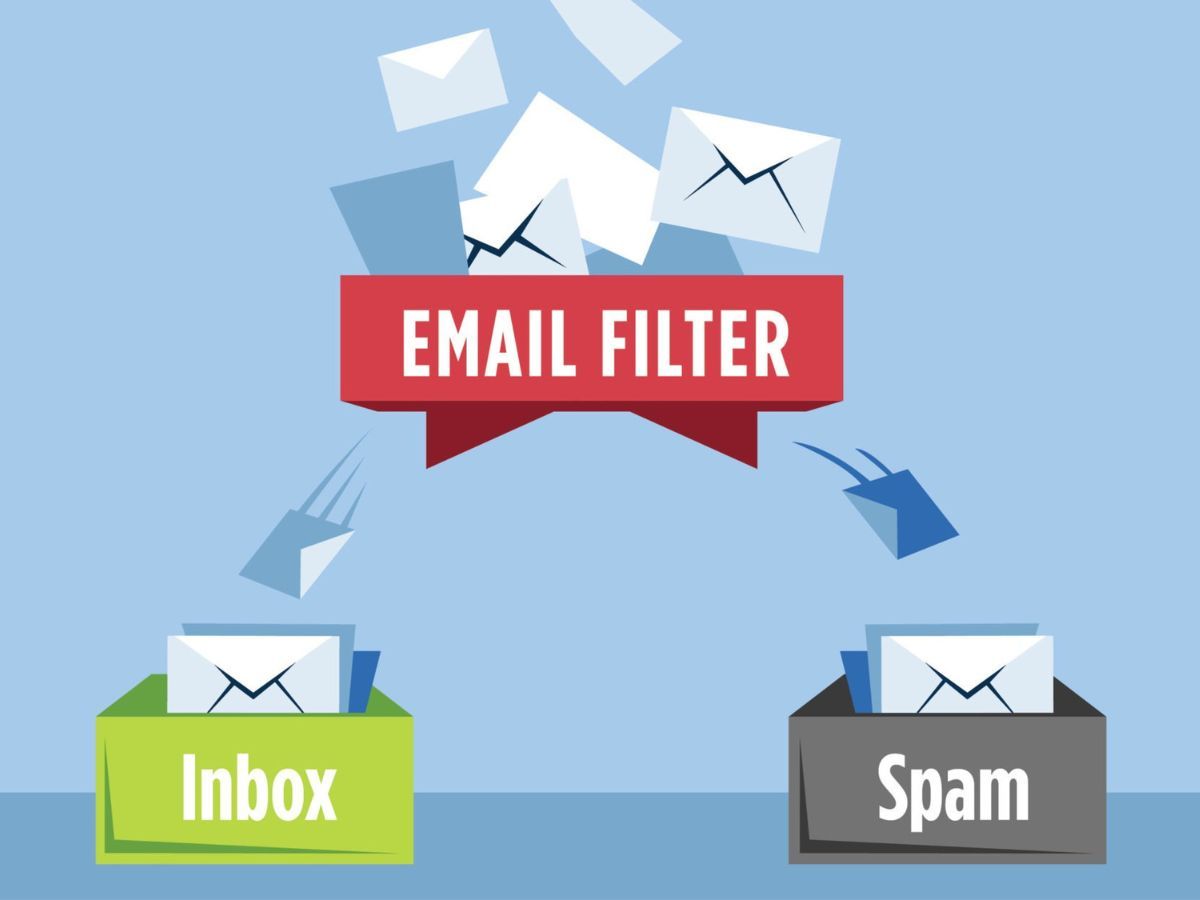
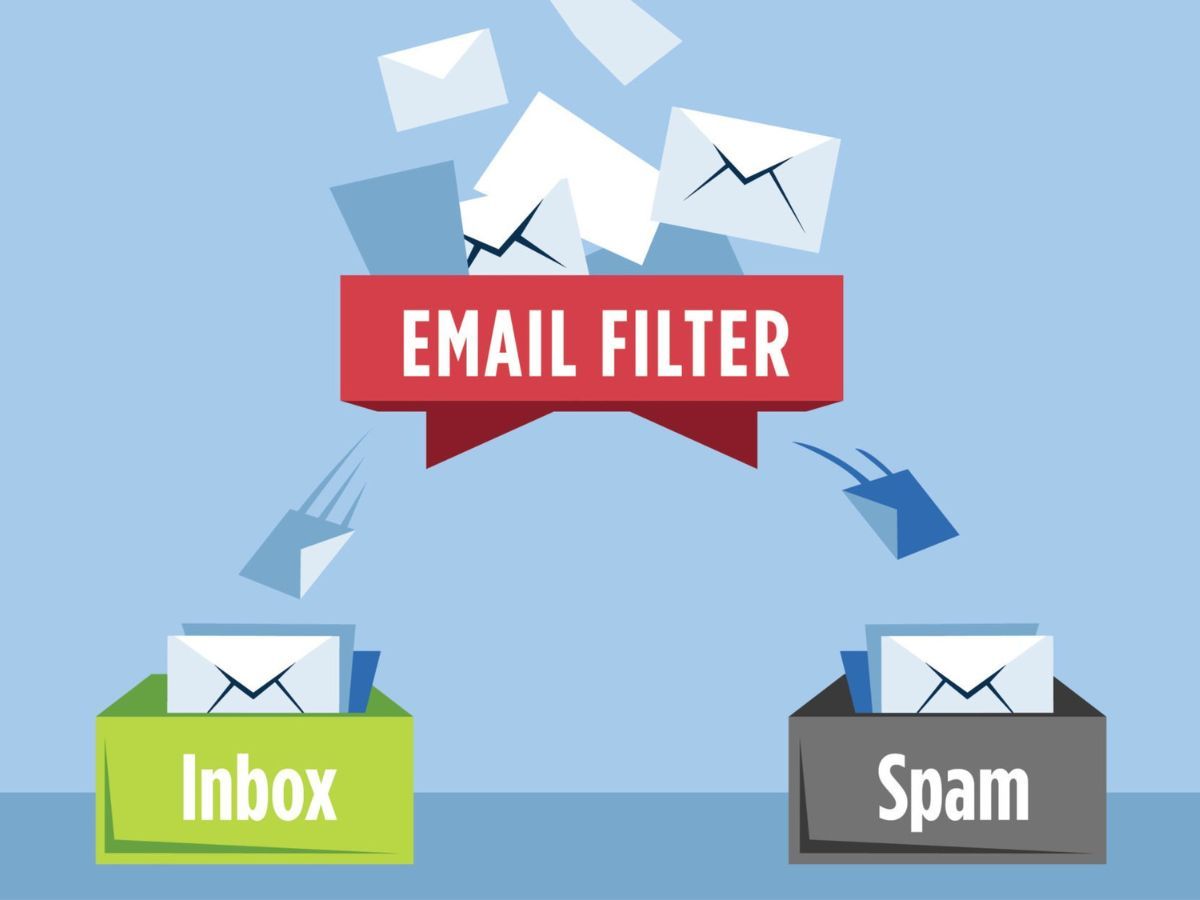
Spam checks Filtering that determines whether a message should be treated as spam (separate from inbox categories like Promotions/Social). Inbox categories (Promotions/Social) Tabs that help sort legitimate mail within your inbox (not the same as Spam). One-click unsubscribe A requirement for marketing email from bulk senders: provide one-click unsubscribe and honor requests within 48 hours. Manage subscriptions A Gmail view that lists active subscription senders (sorted by frequency) and lets you unsubscribe in one place. Gmailify / POP fetching Ways Gmail could retrieve messages from third-party inboxes; Google is retiring support for these connections over 2026. Prompt injection Attempts to manipulate an AI assistant via instructions embedded in content (including email), which Google addresses with layered defenses and ML classifiers.
January 2026 Gmail spam-check incident: what happened (and what it didn’t)
What users saw
- Warning banners for some messages indicating incomplete spam scanning.
- Inconsistent Promotions/Social labeling during the incident window.
What Google reported
- Elevated failure rates in spam checking from 05:02 to 09:55 PT (about 4 hours and 53 minutes).
- Delays were generally reported as up to about 10 minutes.
- The incident report stated there were no lost or erroneously delivered emails during the incident.
Root cause (high level)
Google attributed the disruption to an overload in spam-checking systems triggered by a backend failure and amplified by excessive retries.
Prevention actions Google listed
- Capacity improvements for spam-checking systems.
- Retry tuning to reduce overload during failures.
- Improved load shedding to protect systems when demand spikes.
Timeline: key events (in order)
- June 13, 2025: Google outlined a layered defense strategy for Gemini in Workspace against indirect prompt injections, including machine-learning classifiers designed to detect malicious instructions embedded in formats like emails.
- July 8, 2025: Google began rolling out Gmail’s Manage subscriptions view (web first, then mobile) to list active subscriptions by frequency and enable one-click unsubscribe from a single place.
- November 2025: Gmail started “ramping up” enforcement on non-compliant traffic, including temporary and permanent rejections for bulk senders that don’t meet sender requirements.
- January 2026 (through 2026): Gmail started removing support for Gmailify and POP-based “Check mail from other accounts”; Google says support for new users will stop by the first quarter of 2026, and existing users can keep the features until they’re turned down later in 2026.
- January 24, 2026: Gmail experienced elevated failure rates in spam checking from 05:02 to 09:55 PT; the incident report described delays as generally up to about 10 minutes.
- February 6, 2026: Google’s final incident report attributed the disruption to an overload in spam-checking systems triggered by a backend failure and excessive retries, and listed prevention actions (capacity, retry tuning, and improved load shedding).
2026 Gmail changes: what changed vs. what stayed the same
What changed
- A “missing spam checks” scenario is now documented with root-cause detail. Google explained that an overload in spam-checking systems (driven by a retry storm) caused warnings and classification issues, then listed remediation steps.
- Enforcement is more explicit. Gmail says it’s ramping up enforcement on non-compliant bulk traffic starting November 2025, including temporary and permanent rejections, and it has surfaced a compliance status dashboard in Postmaster Tools.
- Inbox cleanup is becoming more “in-product.” Gmail’s Manage subscriptions view creates a single place to review subscription senders and send one-click unsubscribe requests on your behalf.
- Third-party inboxes inside Gmail are losing Gmail-only protections. Gmailify and POP fetching are being retired, and Gmail notes that Gmail-specific features (including spam protection and inbox categories) won’t apply to linked third-party accounts in the same way.
- Generative AI is now part of the email security surface. Google has published guidance on prompt injection defenses and explains how Gemini protections can affect summaries and user notifications when suspicious content is involved.
What stayed the same
- Sender fundamentals still drive deliverability to personal Gmail accounts. Google continues to emphasize authentication (SPF & DKIM), alignment, DMARC, valid DNS, TLS, RFC 5322 formatting, and one-click unsubscribe for marketing mail (honored within 48 hours).
- Spam complaint thresholds still matter. Google says spam rate is calculated daily and recommends staying below 0.1% and avoiding reaching 0.3% or higher.
- “Bulk sender” status is effectively permanent once assigned. Google’s FAQ says bulk sender status doesn’t expire once you meet the threshold (even once).
- Gmail continues to position itself as blocking most abusive email. Google highlights broad protections against spam/phishing/malware in Gmail and describes using AI-based defenses to reduce scam email.
Action checklist: what to do next (users vs. senders)
If you use Gmail
- If you see a “not fully scanned for spam” style warning: slow down, verify the sender, and avoid unexpected links/attachments until you’re confident it’s legitimate.
- For legitimate subscription email: use Gmail’s Manage subscriptions view to review frequent senders and unsubscribe from a single place.
- If you were reading another inbox through Gmailify/POP: plan an alternative workflow before the feature is turned down later in 2026.
- If your organization uses Gemini in Gmail/Workspace: treat AI summaries as convenience, not a security decision—and pay attention to security-related notifications and admin guidance.
If you send bulk email to Gmail accounts
- Meet the baseline requirements: SPF and DKIM with alignment, DMARC, TLS, valid forward and reverse DNS, RFC 5322 formatting, and one-click unsubscribe for marketing mail (honored within 48 hours).
- Keep complaints extremely low: Google recommends staying below 0.1% and avoiding 0.3% or higher.
- Expect enforcement signals: Gmail says it’s ramping up temporary and permanent rejections for non-compliant traffic; monitor the Postmaster Tools compliance status dashboard.
- Don’t assume “bulk sender” status resets. Google’s FAQ says it doesn’t expire once assigned.
If you’re cleaning up subscriptions: unsubscribe actions are generally safest when the sender is legitimate. For suspicious mail, using “Report spam” and blocking is often safer than engaging with links inside the message.
Stakeholders and impacts
For legitimate senders and email teams, the practical shift is that compliance issues are more likely to show up as delivery disruptions (temporary or permanent rejections) rather than quietly “just landing somewhere else.”
Who benefits, who loses, and who must act (based on Google’s documented changes)
| Stakeholder | Who benefits | Who loses | Who must act (and what to do) |
|---|---|---|---|
| Everyday Gmail users (personal & work) | People overwhelmed by subscription mail (more built-in controls to unsubscribe and organize) | Anyone impacted by rare scanning/categorization incidents; those relying on Gmail to “fix” third-party inboxes | Must act: Use subscription cleanup tools where appropriate; when warnings appear, verify before clicking |
| Bulk email senders (newsletters, marketing, product updates) | Teams that already have clean authentication and opt-out mechanics (clearer rules, clearer feedback loops) | Senders with weak or inconsistent technical setup; senders relying on marginal list quality | Must act: Audit SPF/DKIM/DMARC alignment, DNS, TLS, RFC formatting, and one-click unsubscribe handling; monitor complaint signals |
| Google Workspace admins / security teams | Organizations that want clearer guardrails around AI features in email and user training | Teams that assumed AI summaries are “safe by default” or never need user education | Must act: Update user guidance: AI summaries are helpful, but users should still verify critical actions and treat security notifications as separate |
| Abuse actors (spam/phishing operators) | Almost no one, long-term | Spammers relying on poor sender hygiene and easy unsubscribe friction | Must act: (From a defender view) keep controls layered; don’t depend on a single filter state |
| Inbox-cleanup tools (including unsubscribing services) | Users managing subscriptions across multiple providers and accounts | Gmail-only users who now have more built-in options (depending on account availability and rollout) | Must act: Focus on safe cleanup workflows and cross-provider visibility, not just one mailbox |
Everyday Gmail users (personal & work)
Who benefits People overwhelmed by subscription mail (more built-in controls to unsubscribe and organize). Who loses Anyone impacted by rare scanning/categorization incidents; those relying on Gmail to “fix” third-party inboxes. Who must act (and what to do)
Must act: Use subscription cleanup tools where appropriate; when warnings appear, verify before clicking.
Bulk email senders (newsletters, marketing, product updates)
Who benefits Teams that already have clean authentication and opt-out mechanics (clearer rules, clearer feedback loops). Who loses Senders with weak or inconsistent technical setup; senders relying on marginal list quality. Who must act (and what to do)
Must act: Audit SPF/DKIM/DMARC alignment, DNS, TLS, RFC formatting, and one-click unsubscribe handling; monitor complaint signals.
Google Workspace admins / security teams
Who benefits Organizations that want clearer guardrails around AI features in email and user training. Who loses Teams that assumed AI summaries are “safe by default” or never need user education. Who must act (and what to do)
Must act: Update user guidance: AI summaries are helpful, but users should still verify critical actions and treat security notifications as separate.
Abuse actors (spam/phishing operators)
Who benefits Almost no one, long-term. Who loses Spammers relying on poor sender hygiene and easy unsub friction. Who must act (and what to do)
Must act: (From a defender view) keep controls layered; don’t depend on a single filter state.
Inbox-cleanup tools (including unsubscribing services)
Who benefits Users managing subscriptions across multiple providers and accounts. Who loses Gmail-only users who now have more built-in options (depending on account availability and rollout). Who must act (and what to do)
Must act: Focus on safe cleanup workflows and cross-provider visibility, not just one mailbox.
What to watch next (dates, decisions, indicators)
- By the first quarter of 2026: Google says it will stop support for new users of Gmailify/POP connections by Q1 2026—if your workflow depends on these, plan a replacement now.
- Later in 2026: Google says existing Gmailify/POP users can keep using the feature until it’s turned down later in 2026; check the official help page for updated timing as it changes.
- Ongoing (since November 2025): If you send bulk email to personal Gmail accounts, watch your delivery logs for temporary/permanent failures and monitor the compliance status dashboard in Postmaster Tools.
- Any time you see a “not scanned for spam” warning banner: treat it as a signal to be extra cautious and check the Google Workspace Status Dashboard for incidents affecting Gmail.
- For organizations using Gemini in Gmail/Workspace: watch for Gemini security notifications indicating risk was blocked or content was excluded for safety, and route those cases through your normal security process.
What can change
Google explicitly notes that it updates its email-sender FAQ periodically, and deprecations/rollouts can progress over time—so treat the official help pages as living documentation (not a one-time read)
Frequently Asked Questions
Did Gmail’s spam filtering really stop scanning emails in early 2026?
Google reported a short incident where Gmail displayed warnings that some messages hadn’t been fully scanned for spam, and normal processing was later restored.
What’s the difference between spam filtering and the Promotions/Social tabs?
Spam filtering decides whether a message should be placed in Spam for safety. Promotions/Social are inbox categories that help sort legitimate mail inside your inbox.
What should I do when Gmail warns that a message wasn’t scanned for spam?
Slow down and verify before you click: check the sender carefully, avoid unexpected links or attachments, and confirm urgent requests through a trusted channel.
I used Gmail to manage an Outlook/Yahoo inbox—what happens as Gmailify/POP is retired?
Gmail will stop applying Gmail-only features (like spam protection and inbox categories) to some third-party accounts connected through Gmailify/POP. Plan to switch to another supported setup for that mailbox before the feature is turned down later in 2026.
I’m a bulk sender—what’s the minimum technical setup Gmail expects?
At a minimum, bulk senders should authenticate email (SPF and DKIM with alignment), publish a DMARC record, send over TLS, maintain valid forward and reverse DNS, follow RFC 5322 formatting, and provide one-click unsubscribe for marketing email (honored within 48 hours).
What spam complaint rate should I aim for with Gmail?
Keep user-reported spam very low. Gmail’s guidance recommends staying below 0.1% and avoiding reaching 0.3% or higher.
What is Gmail’s “Manage subscriptions” view?
It’s a Gmail view that lists active subscription senders, sorted by frequency, and lets you unsubscribe with one click from a single place.
Are AI email summaries safe to trust for security decisions?
Treat AI-generated summaries as helpful context, not as authoritative security alerts. If your organization uses Gemini in Gmail/Workspace, follow admin guidance and watch for security-related notifications when suspicious content is involved.
